
U/TOOLS · Windows
Less clicking.
More creating.
Convert images directly from Windows Explorer. Keep visual references floating above your workspace. Two essential tools. One lightweight app.
For Windows. Download from Microsoft Store.
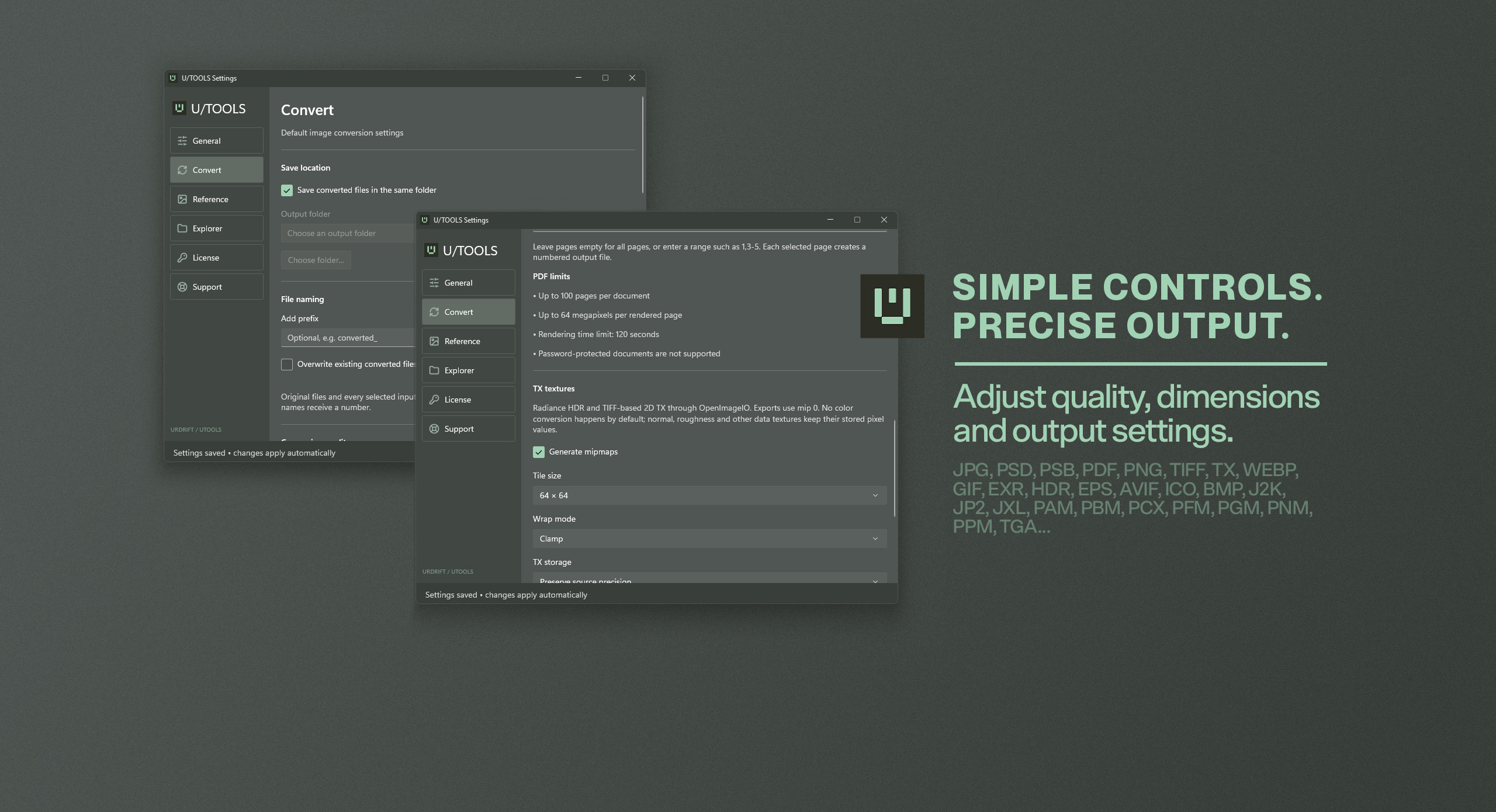
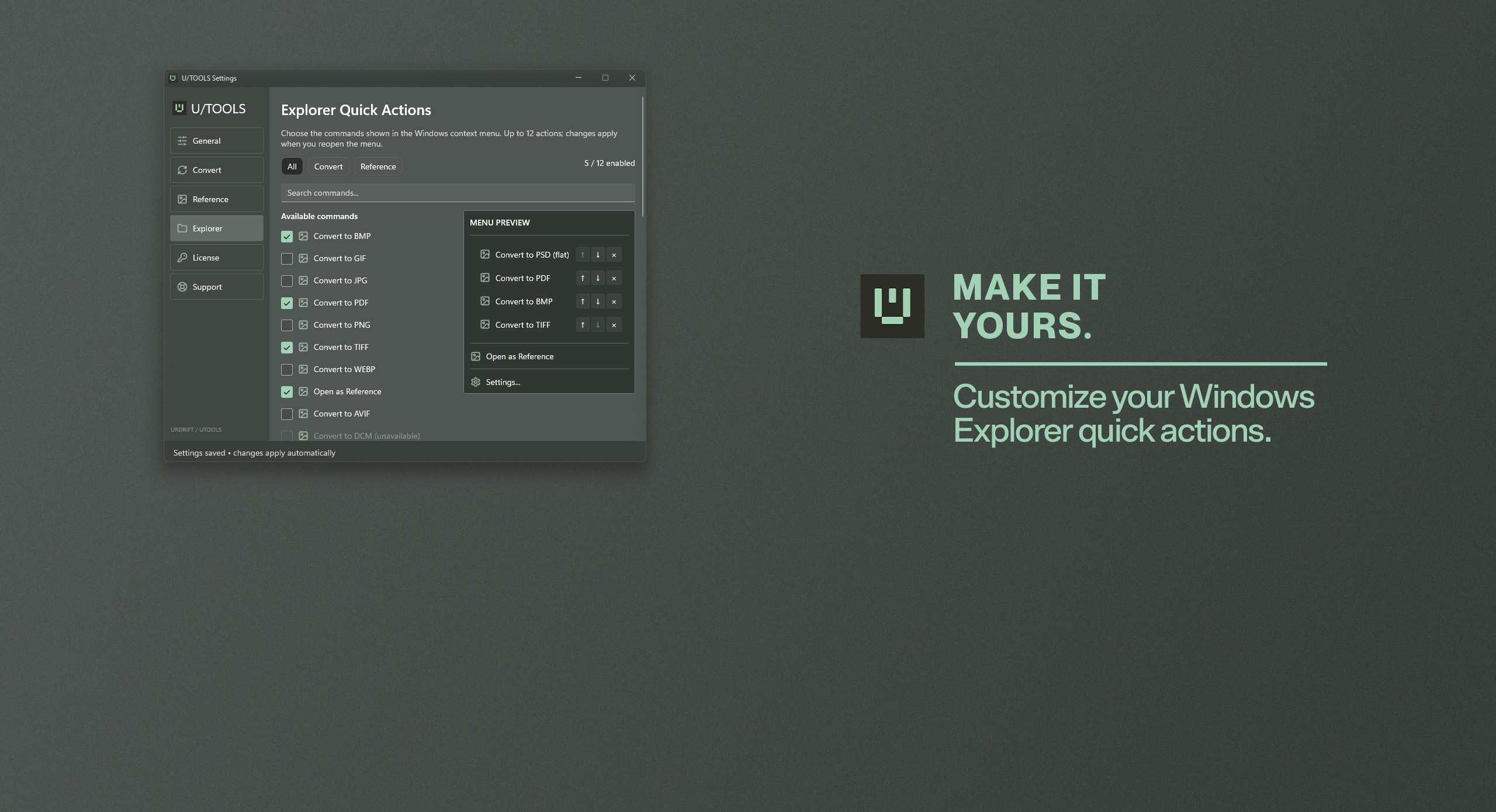
01 / Convert
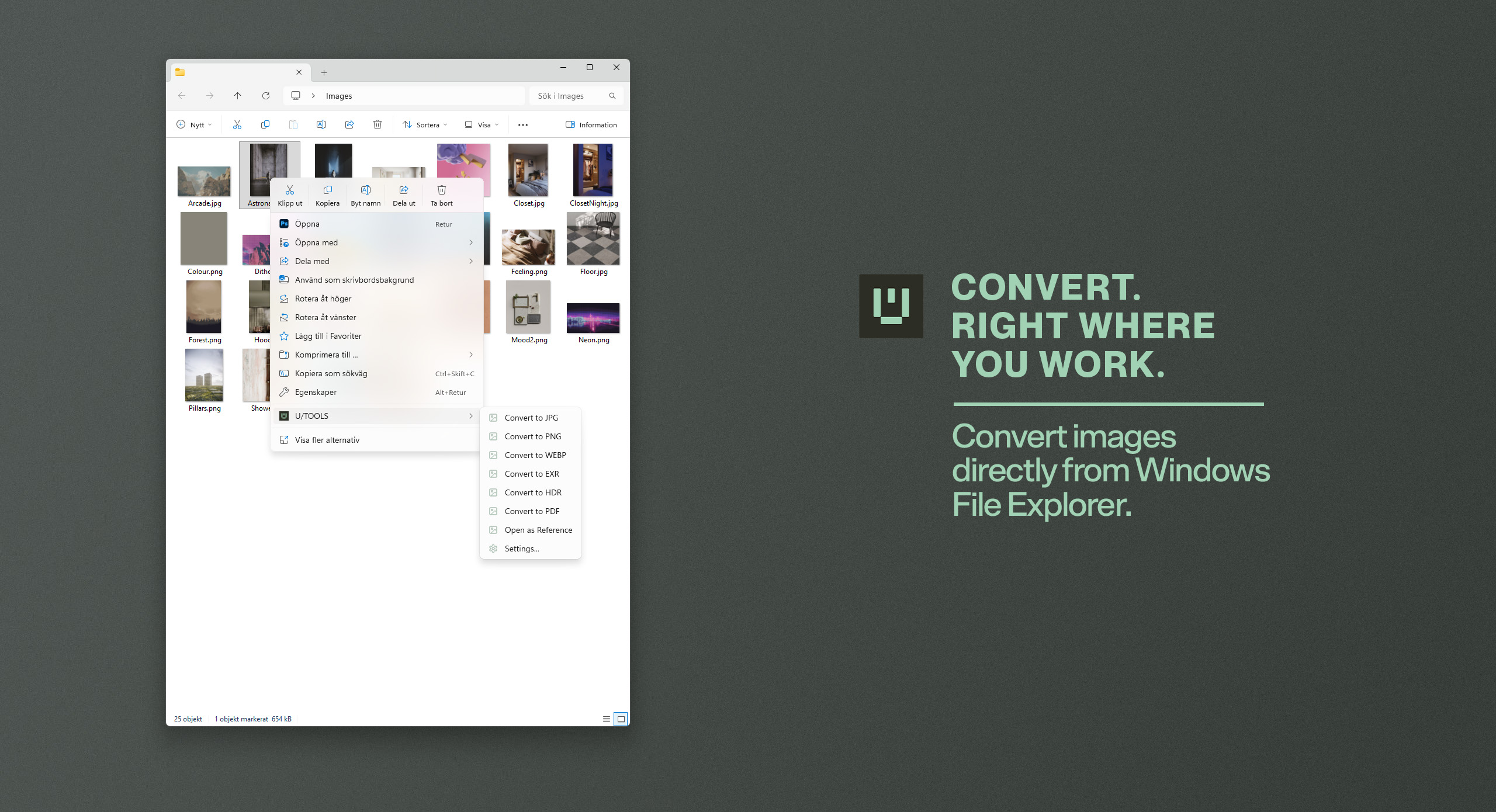
Convert without opening another app.
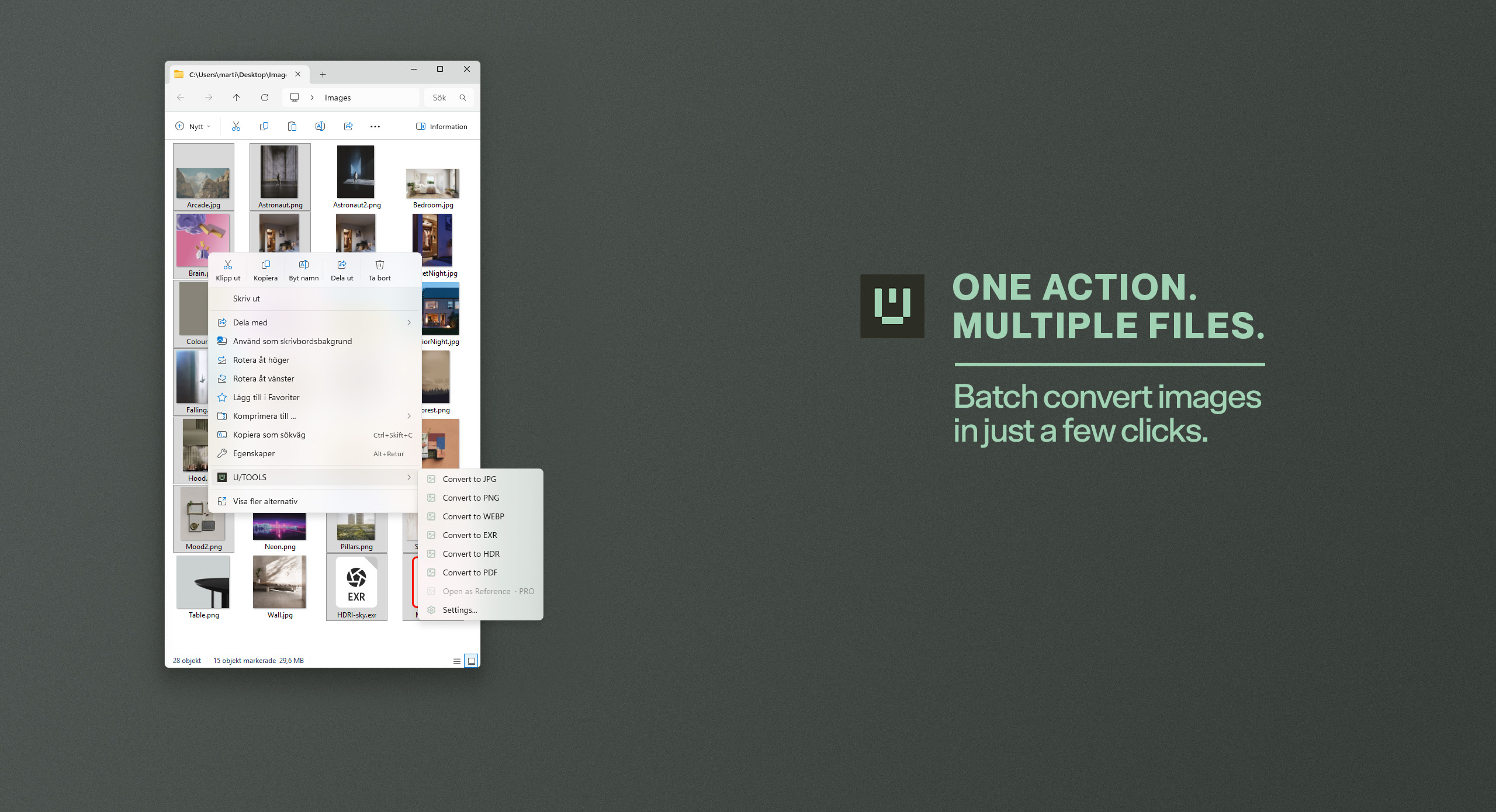
Keep routine image work close to your files. Use Explorer quick actions for conversion, then adjust resizing, quality and output settings when you need more control.
- Individual and batch image conversion.
- Resize images and adjust output quality.
- Customizable Explorer context-menu quick actions.
02 / Reference
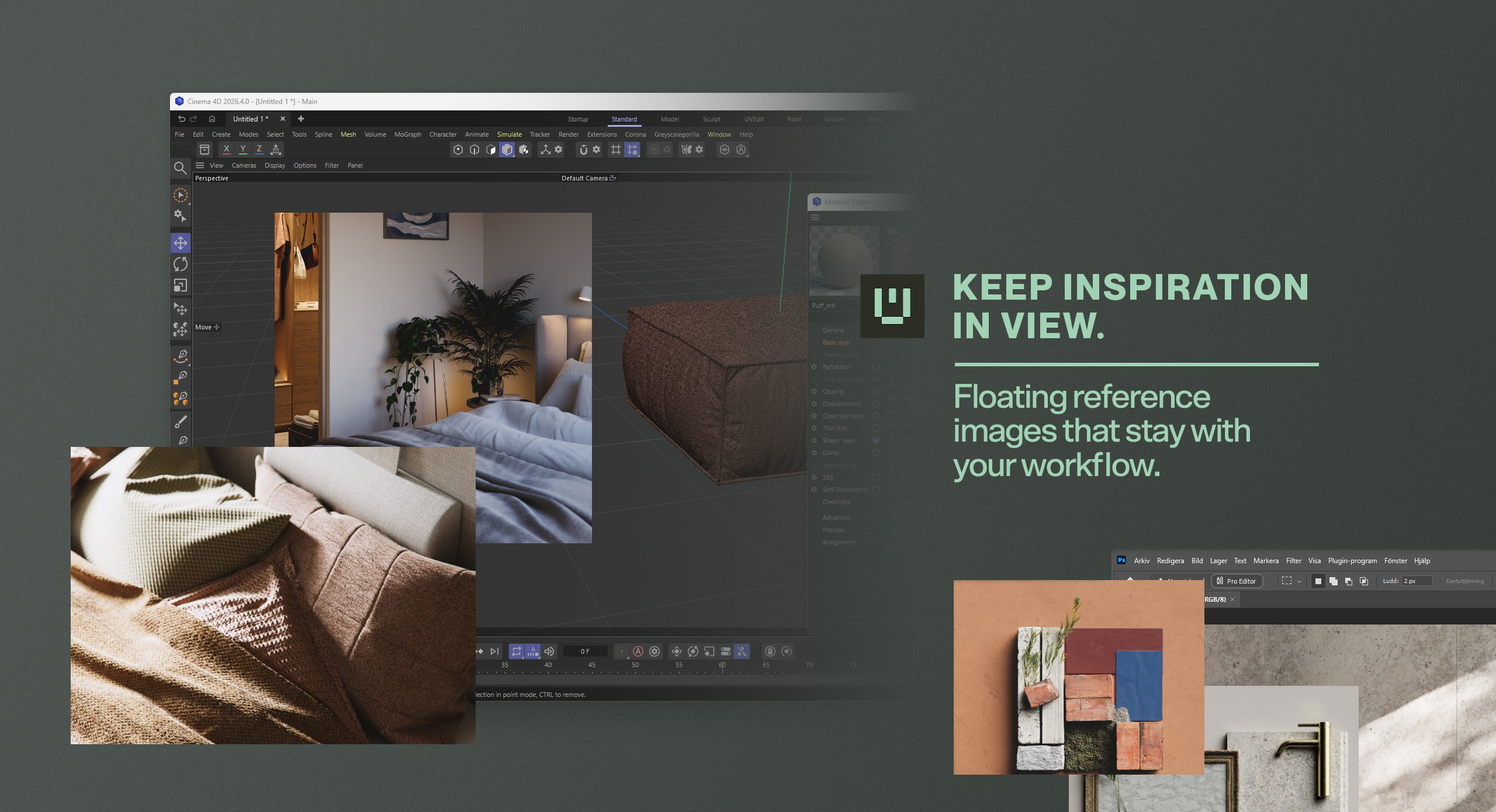
References that stay with you.
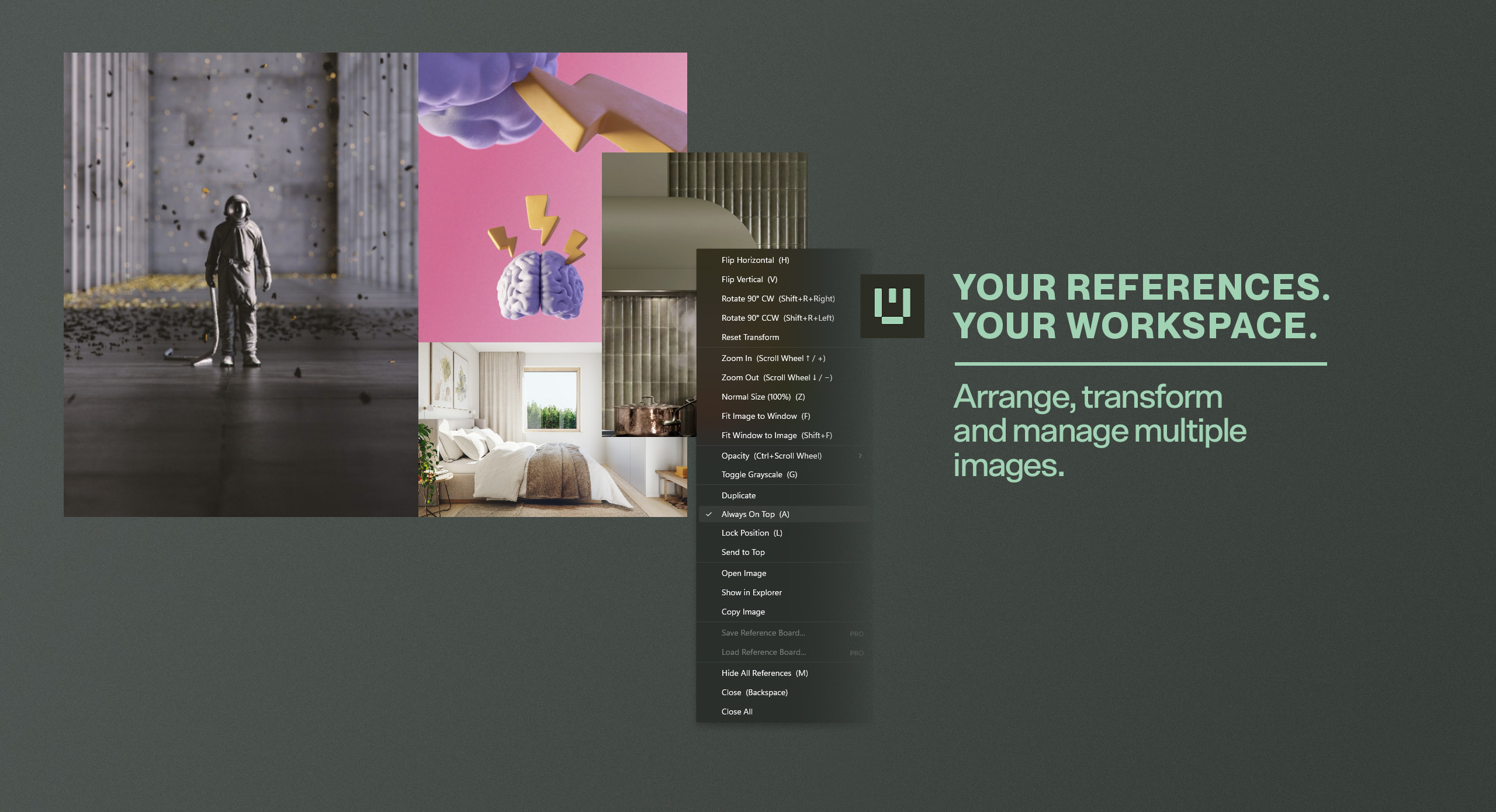
Keep visual references floating above other applications. Position and scale each image around your workspace, adjust opacity, rotate or flip it, and keep it always on top.
- Multiple independent reference windows.
- Zoom, rotation, flip and opacity controls.
- Reference Boards and session restoration with Pro.
Free / Pro
Start small. Make room for more.
Free and Pro share the essential Convert and Reference workflows. Pro adds larger batches, more reference windows, Boards and session restoration.
| Feature | Free | Pro |
|---|---|---|
| Supported conversion formats | All | All |
| Files per batch | Up to 5 | No edition limit* |
| Simultaneous reference images | Up to 5 | No edition limit* |
| Essential conversion & reference controls | Included | Included |
| Save & load Reference Boards | — | Included |
| Session restoration | — | Included |
* Subject to technical limits and available system resources.
Pro is a one-time purchase, without a subscription, with an optional 14-day Pro trial. Store availability and local pricing are determined by the Microsoft Store listing and checkout.
Documentation & support
Read the U/TOOLS 1.0 manual for Convert, Reference, Boards, settings, keyboard shortcuts and troubleshooting.
Contact [email protected] →